Edit with blocks
Arrange text, photos, headings and buttons. The free Markdown block supports headings, lists, links, code and more.
From the first block to the final check: meet the essentials of Lumitoha.
Arrange text, photos, headings and buttons. The free Markdown block supports headings, lists, links, code and more.
Preview 13 finished designs and compare 100 style sets. Available designs and styles depend on the free/Pro usage terms.
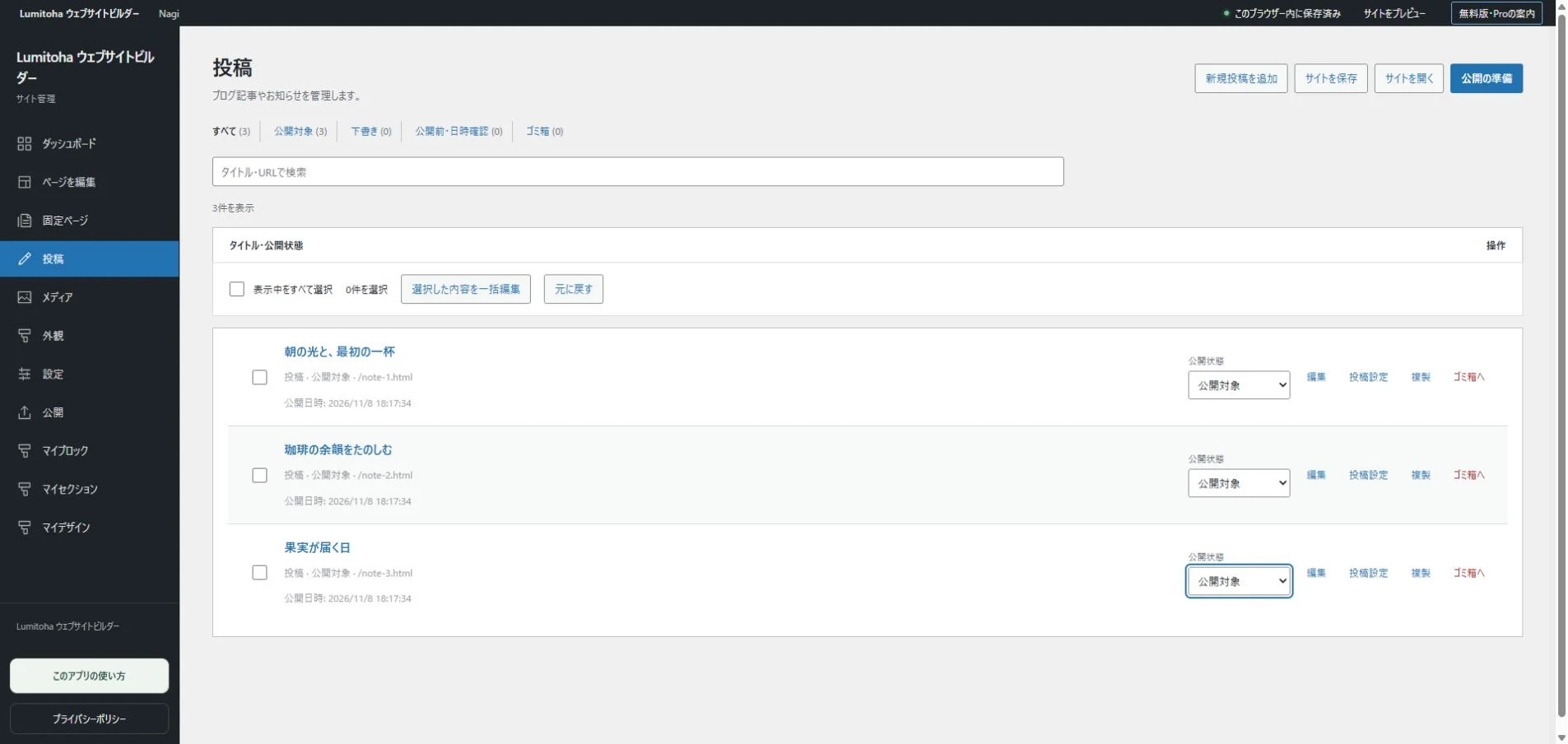
Create pages and posts with categories, tags and cover images. Export again when you want to update your published site.
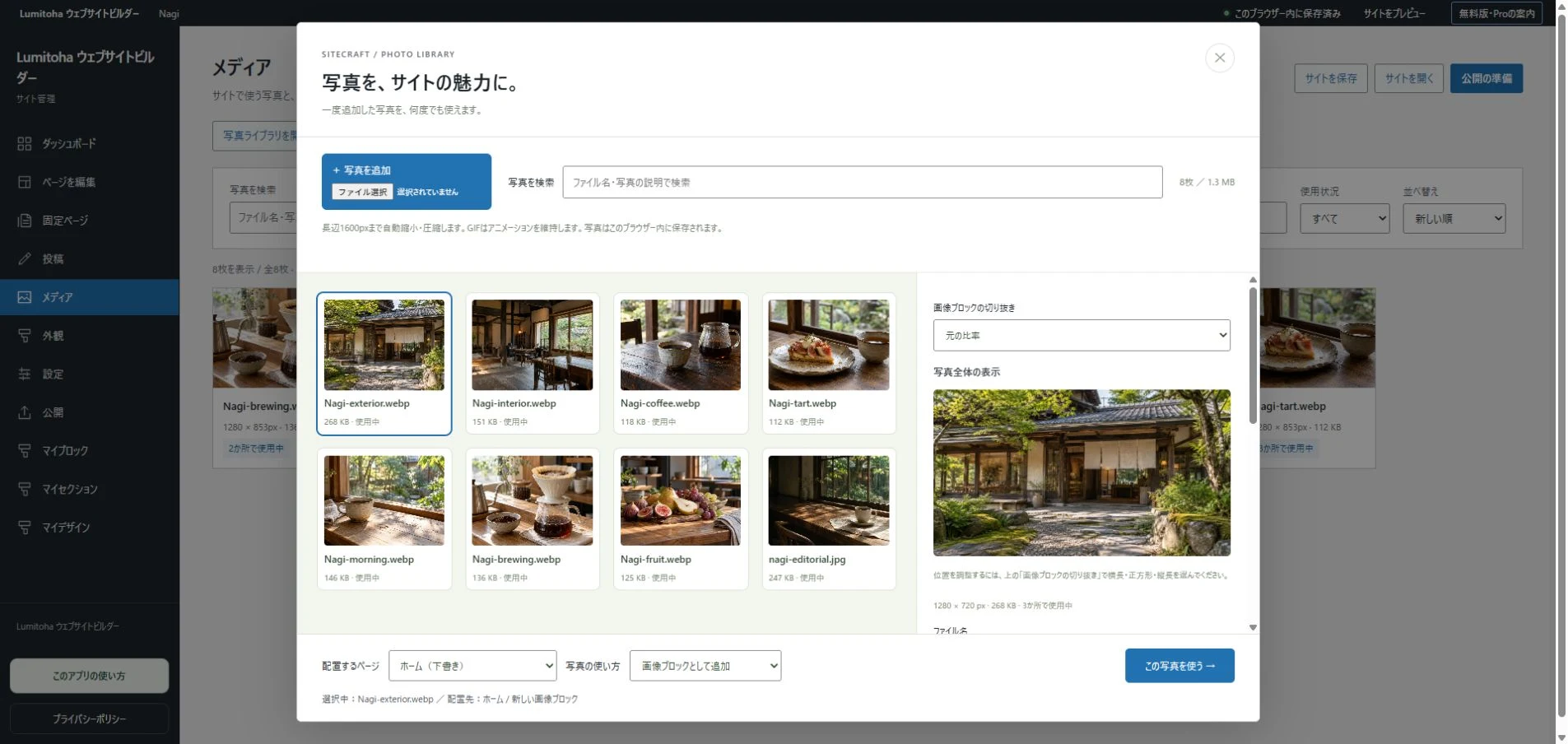
Choose your photos and add supported videos, maps or other external content where it helps your visitors.
Review headings, descriptions, links and image text. Check layouts at widths such as 375, 768 and 1440px.
The app follows your Windows display language: Japanese for Japanese Windows, English otherwise. Your saved content is kept as you wrote it.
Start with a considered sample, then replace its content with your own images and words. Prepare the information that makes your site useful, not just beautiful.
Review links, image descriptions and different screen widths. Save your editable JSON and export HTML or ZIP. Web publishing requires a separate hosting service. Upload the exported files using its dashboard or another transfer tool.
Read the getting-started guide