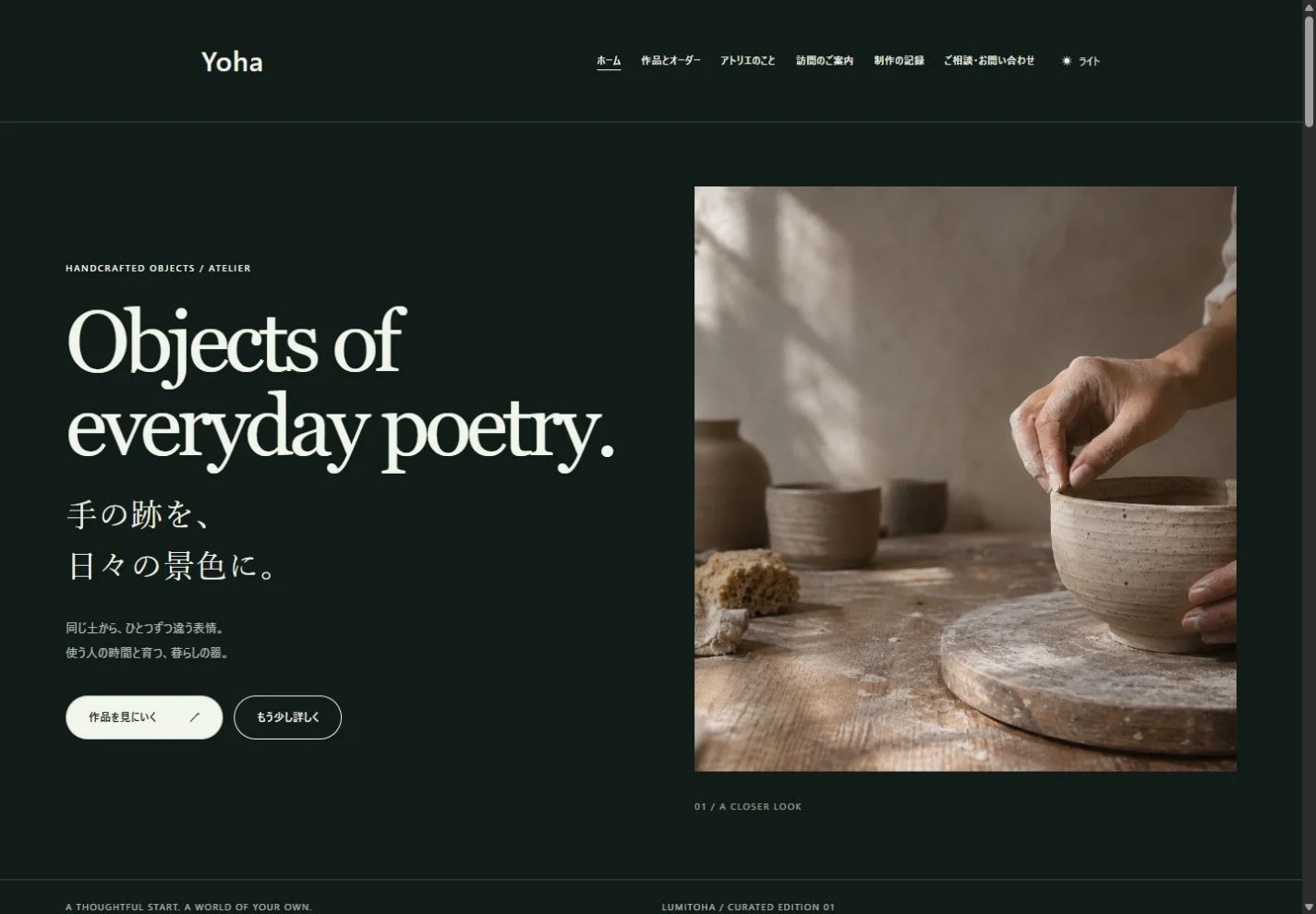
A portfolio that tells the story behind your work
Choose representative projects and explain their purpose, images, your role and decisions, with a clear next step for interested visitors.
From getting the app to editing, saving and publishing your first website.
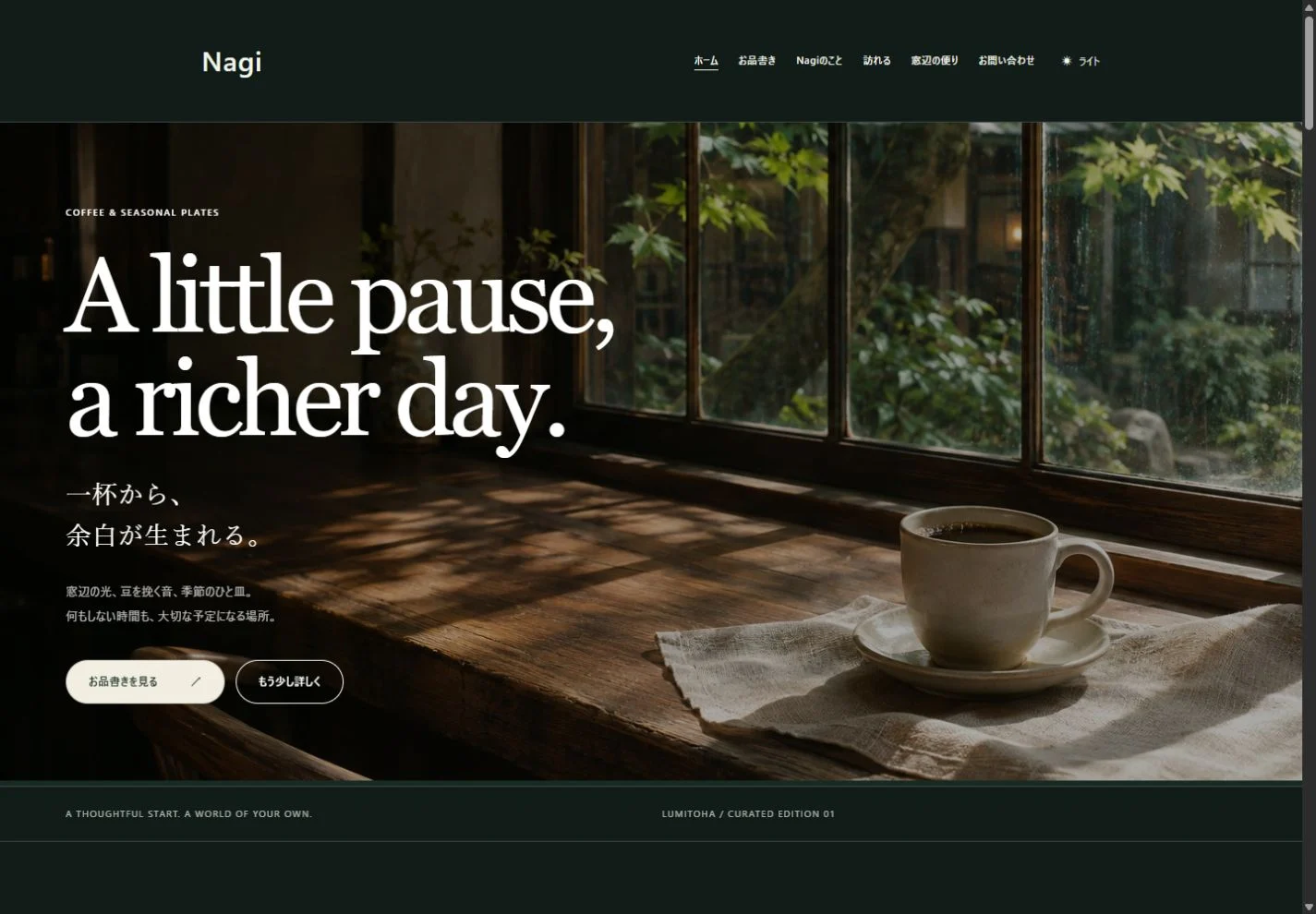
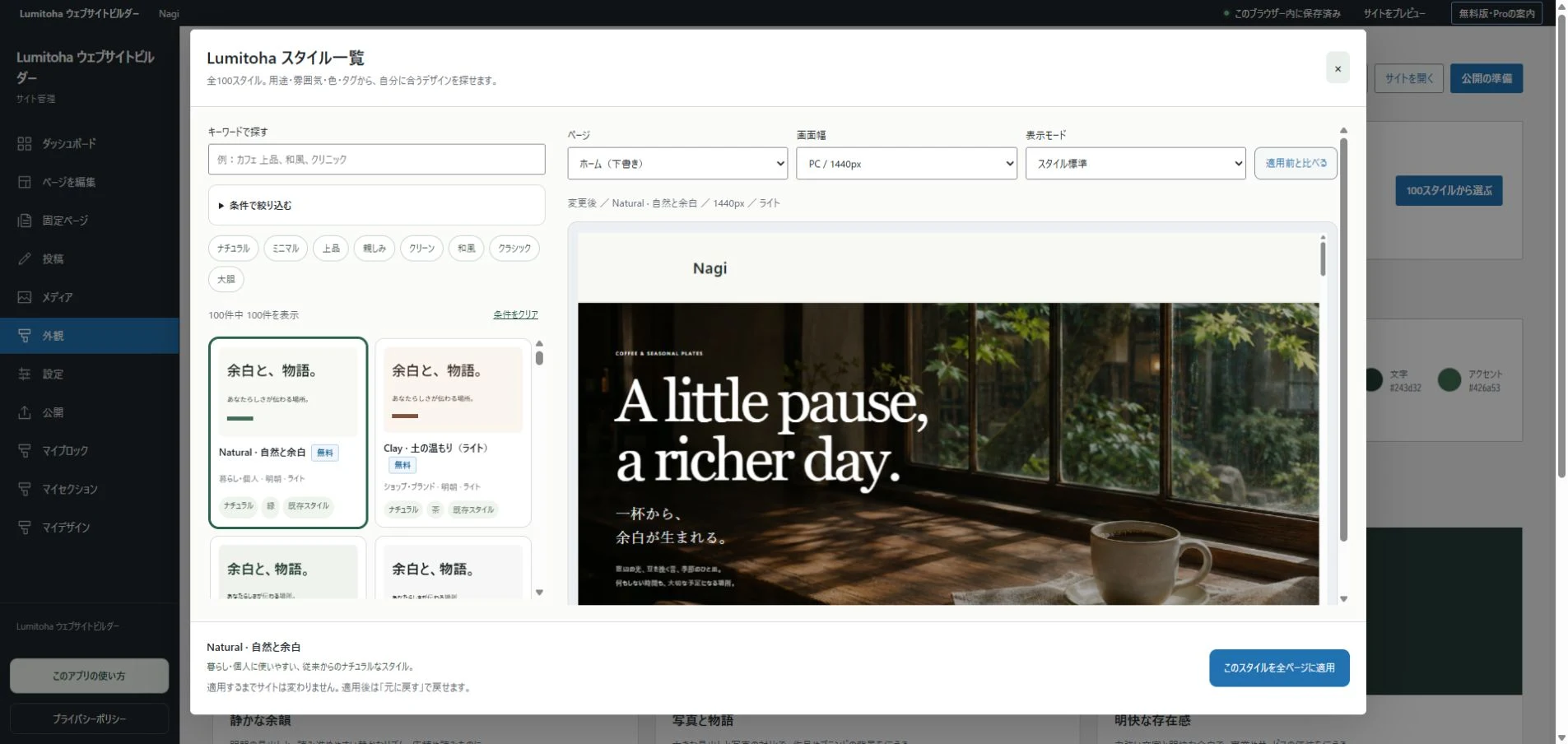
Lumitoha is preparing for release on Microsoft Store. Once available, install it on Windows and browse the finished designs. Nagi is free to use. The app supports Japanese and English, selected from your Windows display language. New finished samples use English in an English environment; existing saved sites are not automatically translated.
Check availability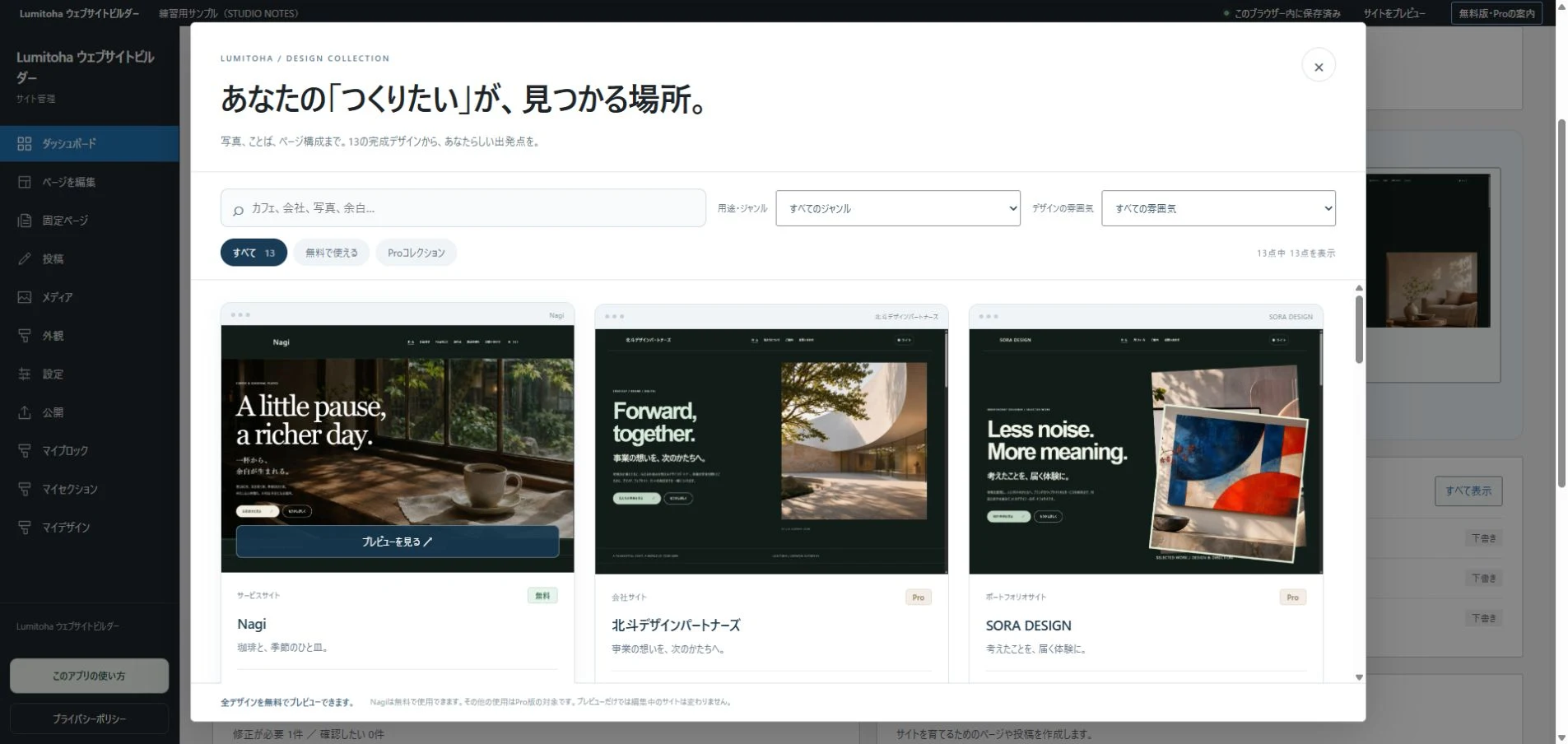
Choose a block and replace the sample text or photo. Begin with a headline, a short introduction and one image. Add pages or posts as your content grows.
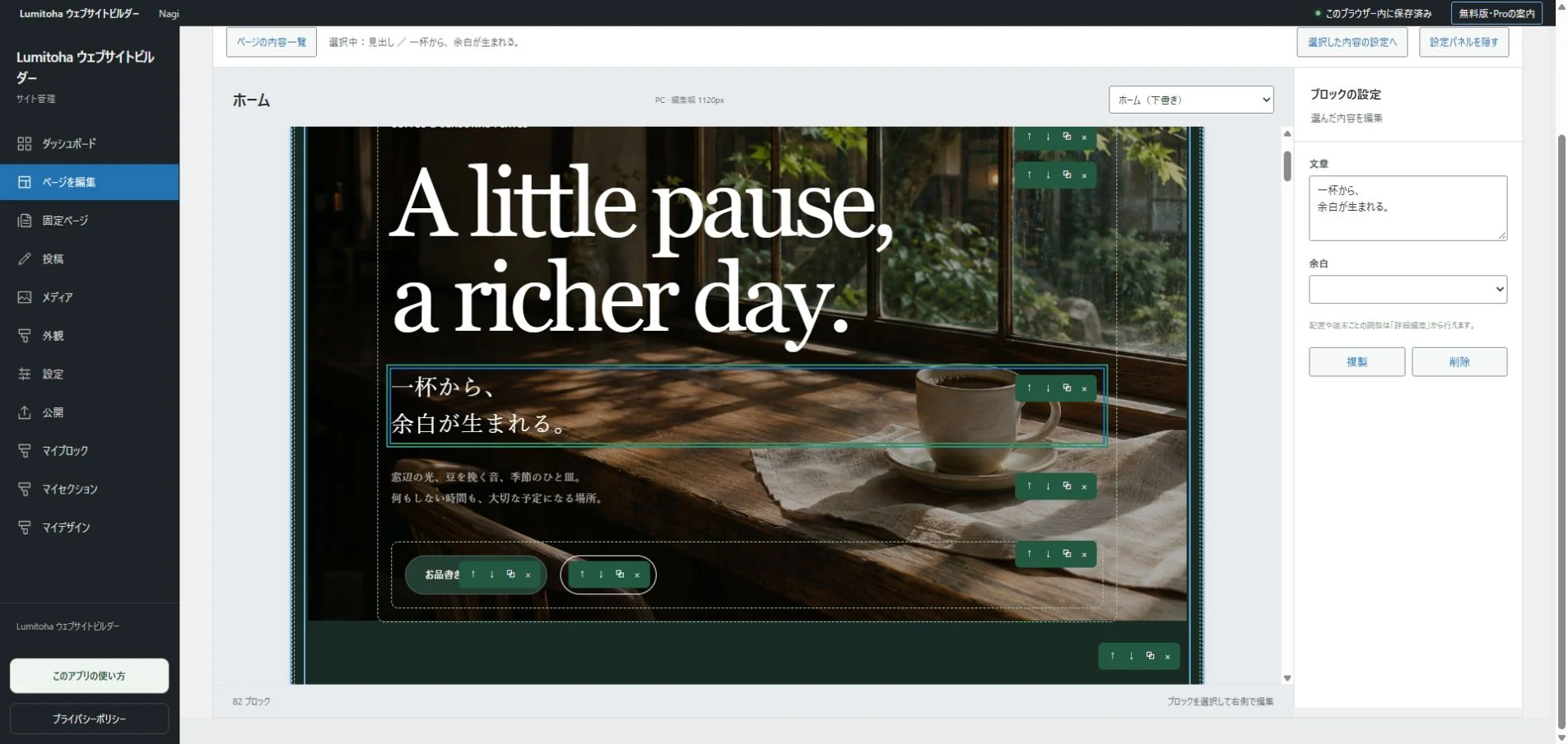
Use previews and pre-publication checks to review text, images and links. Keep an editable JSON backup as well as your exported files. Set the pages and posts you want to export as publishing targets. Finished samples are created as drafts. Drafts and pages with future publishing dates are not included in that export.
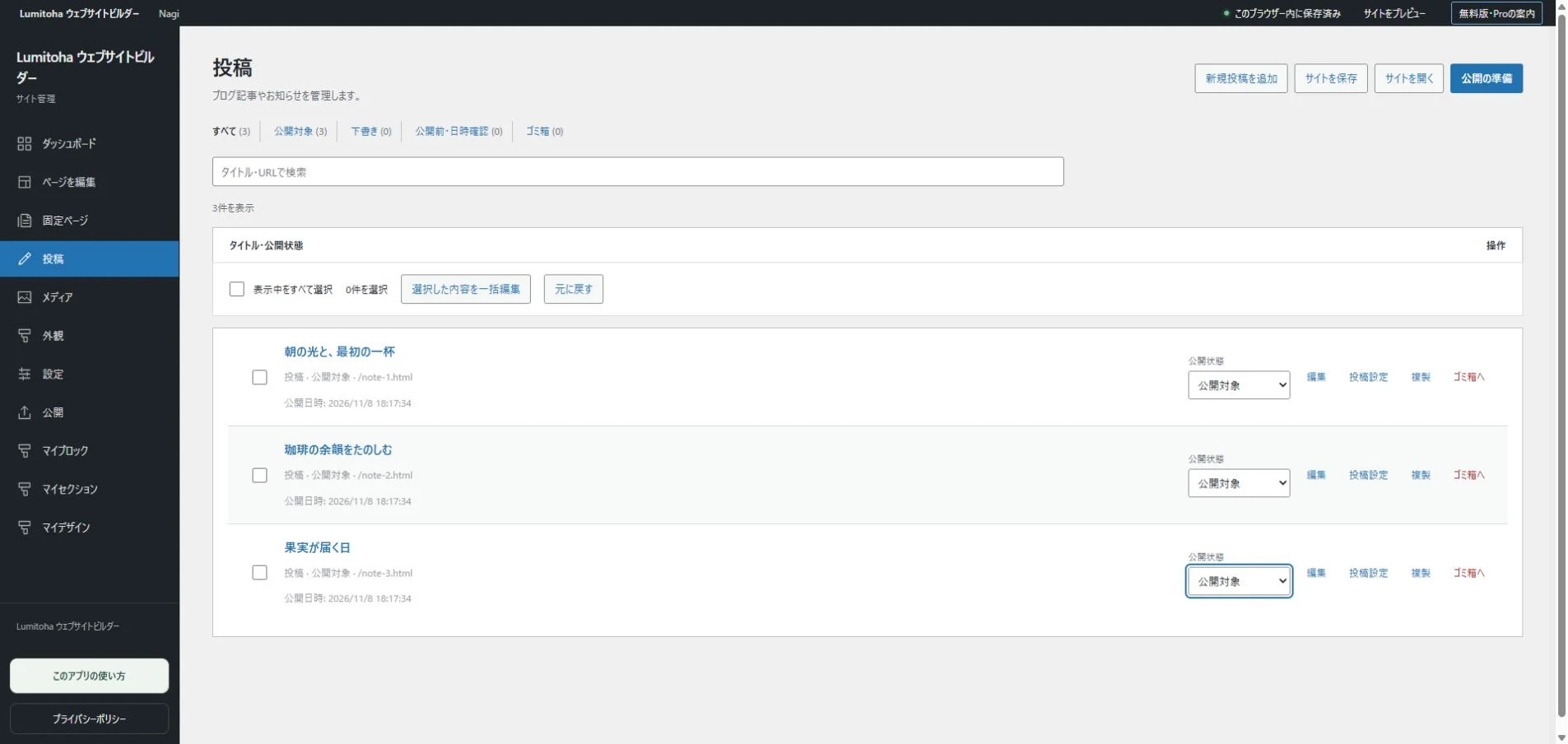
Export HTML or ZIP and upload the files to your hosting service. Extract the ZIP and transfer the HTML, images and other assets using your host’s dashboard or a separate tool. After changing a post, save JSON, export again and update the hosted files. Hosting and domain fees may apply separately.
Read the publishing checklist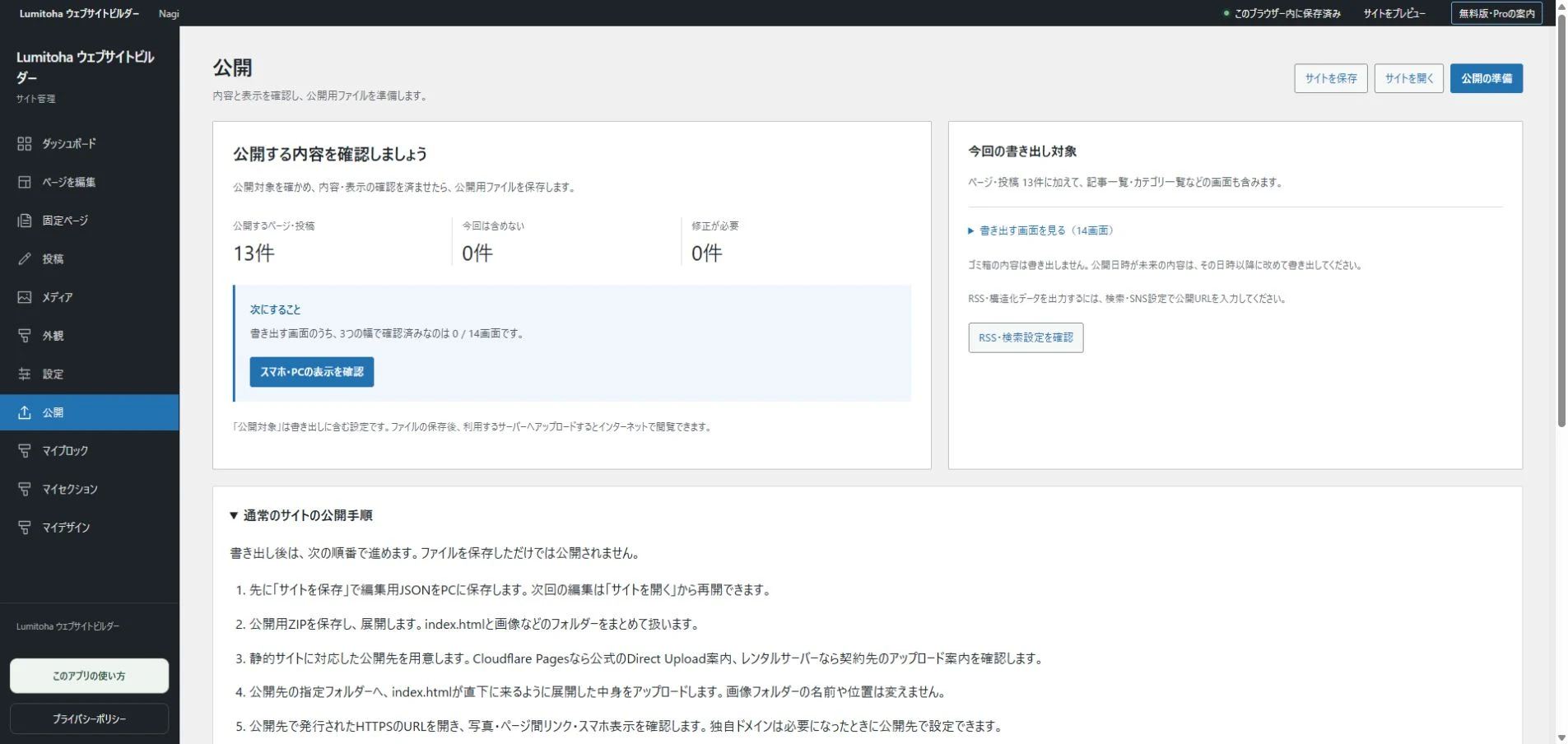
Practical notes on choosing a design, working with photos and getting ready to publish.
Choose representative projects and explain their purpose, images, your role and decisions, with a clear next step for interested visitors.
Combine atmosphere with useful information about products, hours, access and working contact routes, from a first-time visitor’s perspective.
Understand the free core, design previews and Pro’s extra tools, then decide using the work your own website actually needs.