A portfolio that tells the story behind your work
Choose representative projects and explain their purpose, images, your role and decisions, with a clear next step for interested visitors.
Published
Edited by Lumitoha Team · Updated
About 4 min read
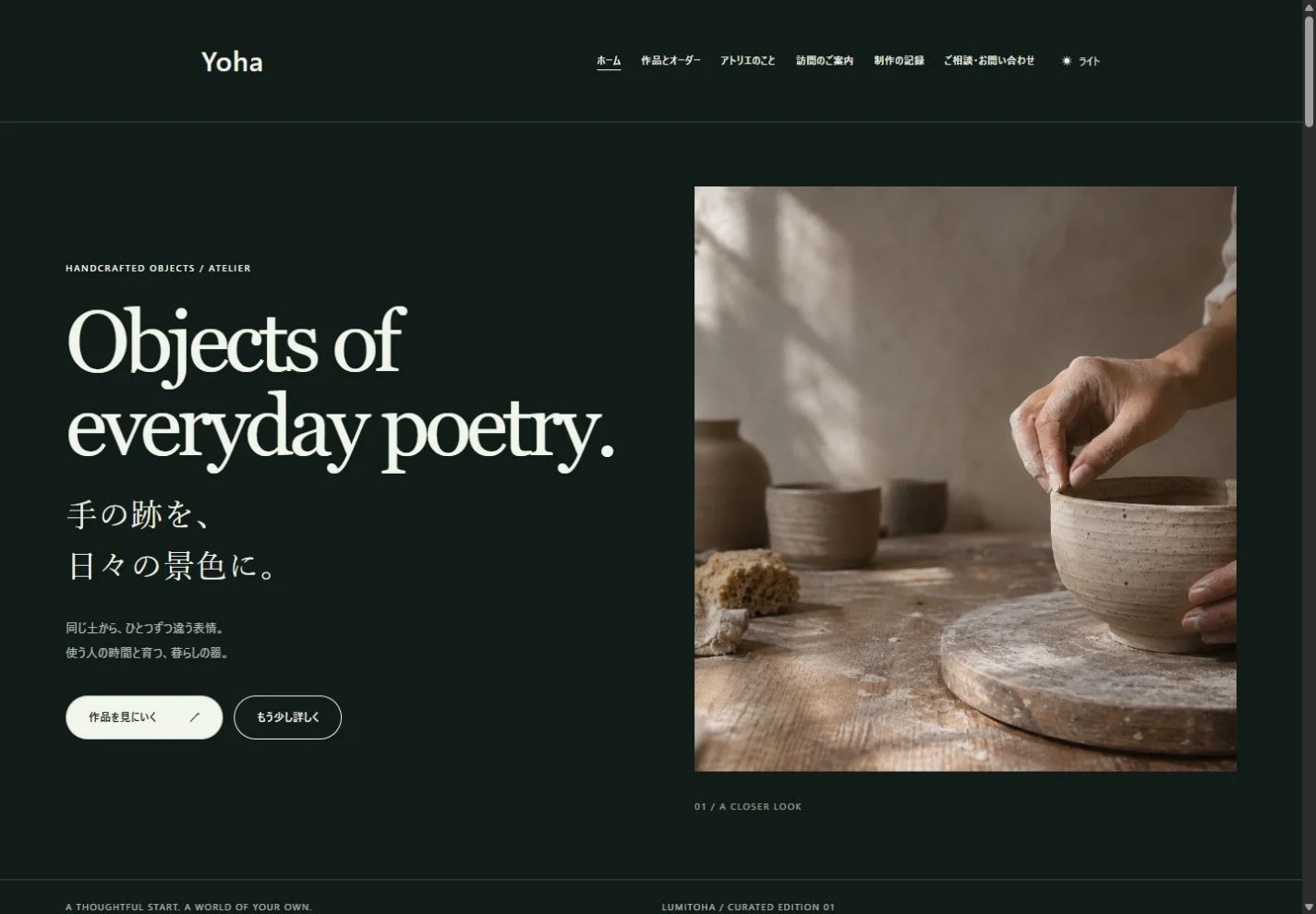
A portfolio can explain more than the finished image. Share the purpose, the decisions behind it and the part you personally handled. Before adding many projects, decide who you want to reach and begin with representative work you can describe well.
Lumitoha’s photo-led designs offer a starting point for introducing creative work. This guide follows the choice of projects, images and background information through to a clear route for someone who wants to learn more or discuss working with you.
1. Choose representative work for the intended audience
Consider whether visitors are potential clients, buyers or people planning to attend an exhibition. Their questions differ. Deciding what they should be able to do after viewing the site makes it easier to choose the work they should see first.
Do not select only by date or popularity. Ask whether a project reflects your current direction, whether you can explain your role and whether you have material you can publish. If similar projects appear together, make their differences clear. A small number can work well with thoughtful explanation. A larger collection benefits from themes or categories and an overview before individual details.
2. Move from the finished work to its background
Begin with the project name, a complete view and a short overview. Then explain its purpose, conditions, choices and particular details. Give the reader an understanding of what was made before presenting a long technical process.
For a handmade object, discuss intended use, scale and materials before explaining shape or surface choices. For design work, describe the audience, the information problem and the reasons for the structure. Keep results within what you can verify. If you have not measured an effect, describe the concrete choice you made rather than claiming an unsupported improvement.
3. Separate overview, detail and use
Give photographs different roles: one can establish the full work, another show texture and another explain its use. Choose images for what they reveal instead of collecting many nearly identical angles. This makes the portfolio more informative without simply making it longer.
For layouts and screen designs, check that important detail is readable. A whole-page picture may establish structure but conceal small type; a close-up may do the opposite. Put each near the explanation it supports. Captions can identify an unfinished stage or a real use situation. Do not present a prototype or sample as a completed commissioned project.
4. Be clear about your role and publication scope
For collaborative projects, state the part you handled: planning, photography, copy, design, implementation or another role. This helps someone understand what they could ask you to do. Avoid describing the team’s entire output as if it were solely your own.
For commissioned work, check which photos, client names and process details can be published. Making something does not automatically mean every related detail is appropriate for a public portfolio. Personal and practice projects can still show useful thinking; identify them as self-initiated or fictional work, then explain their purpose and decisions with the same care.
5. Connect the profile to the work
Your profile can explain current activities, areas of focus and the considerations that connect the projects. Rather than listing every past event, choose information that helps a newcomer understand the work they have just seen and the kinds of conversation you can help with.
Keep your availability and contact route reasonably close to the projects. If you are not accepting commissions, say so. A visitor who becomes interested should have a sensible next step, whether that is a contact page, a current-activities page or another project, rather than reaching an unexplained dead end.
6. Publish a considered selection and establish a pattern
You can begin with a few representative projects whose explanations are complete. Shared fields such as name, overview, role, images and decisions make later additions easier to organize. The descriptions do not need identical lengths, but important information should be easy to find consistently.
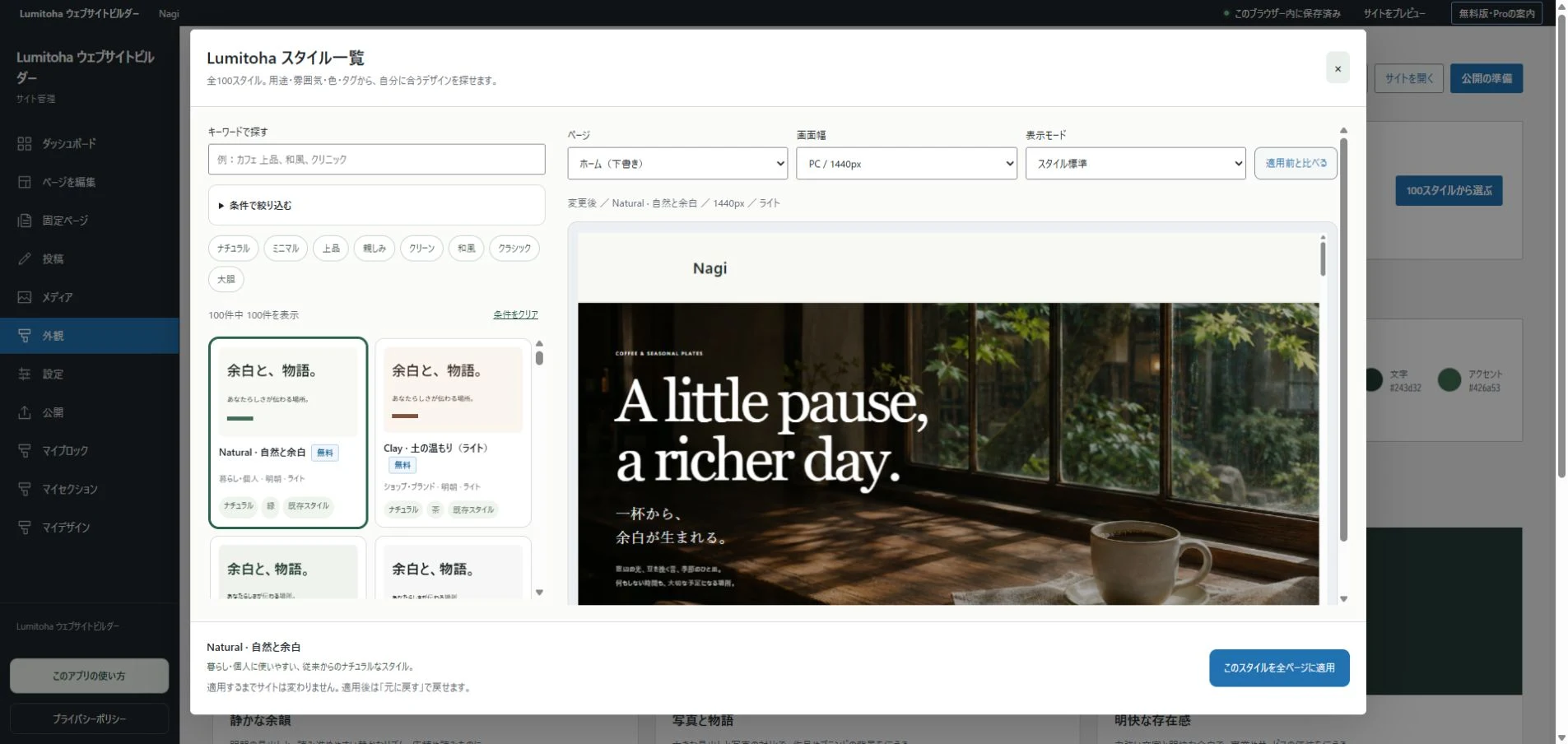
Preview the photos and amount of text at phone widths in Lumitoha. Check that long image sequences do not bury the explanation and that people can reach another project or the contact route. Save editable JSON, export and upload, then inspect the public URL. When adding new work, review whether older projects still reflect your direction. A portfolio grows stronger by communicating how you think, not only by increasing its project count.
Start your own website with a finished design
A practical path from choosing a design to replacing text, photos and links, keeping editable backups and publishing your first small site.
Read moreGive your photos room to breathe
Image roles, whitespace, cropping, readable overlays and helpful captions: six ways to make photos and words work together.
Read moreGetting started with Lumitoha
From a finished design to saved work and public files.
Read moreShare this article
Share on Instagram
Copy the link and paste it into a Stories link sticker or a direct message.
Open Instagram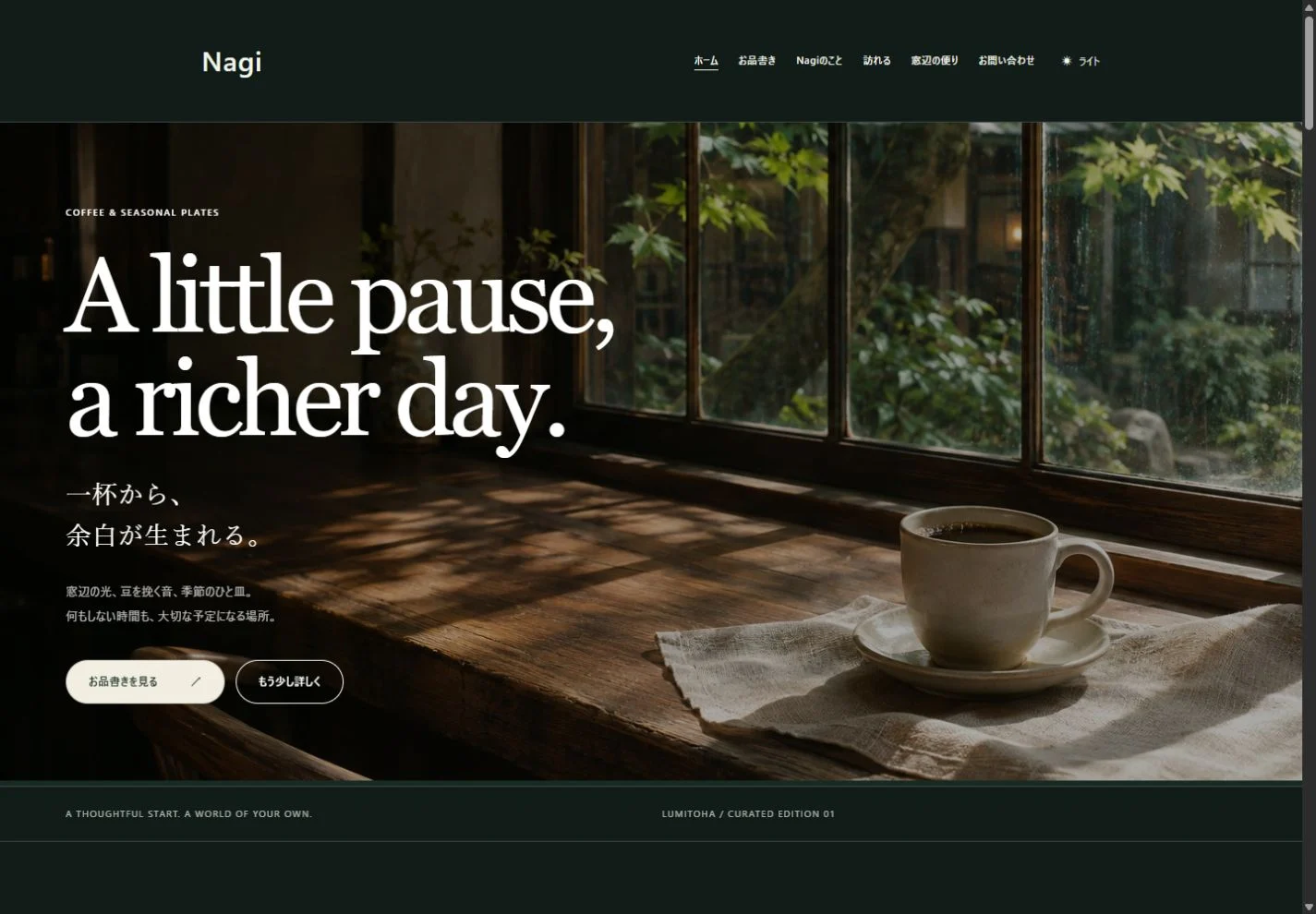
Comments
Your display name and comment appear after approval. Your email address is not public. Please read our privacy policy.
Comments (0)