What a small shop website needs to tell people
Combine atmosphere with useful information about products, hours, access and working contact routes, from a first-time visitor’s perspective.
Published
Edited by Lumitoha Team · Updated
About 4 min read
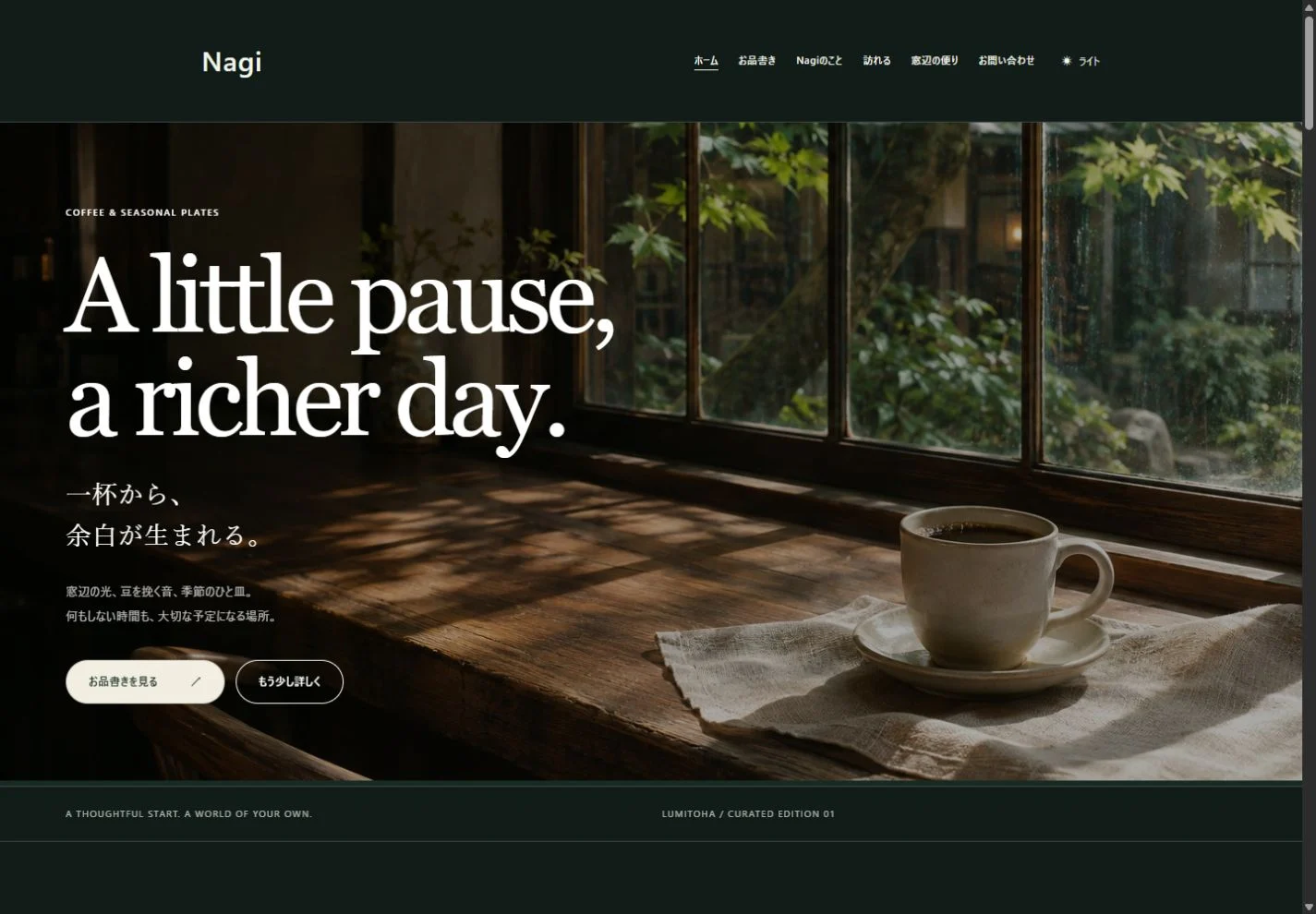
A shop website combines a sense of atmosphere with the facts people need before visiting. Make it easy to find what the shop offers, when it opens, where it is and which conditions matter. A beautiful image helps, but it works best alongside reliable practical information.
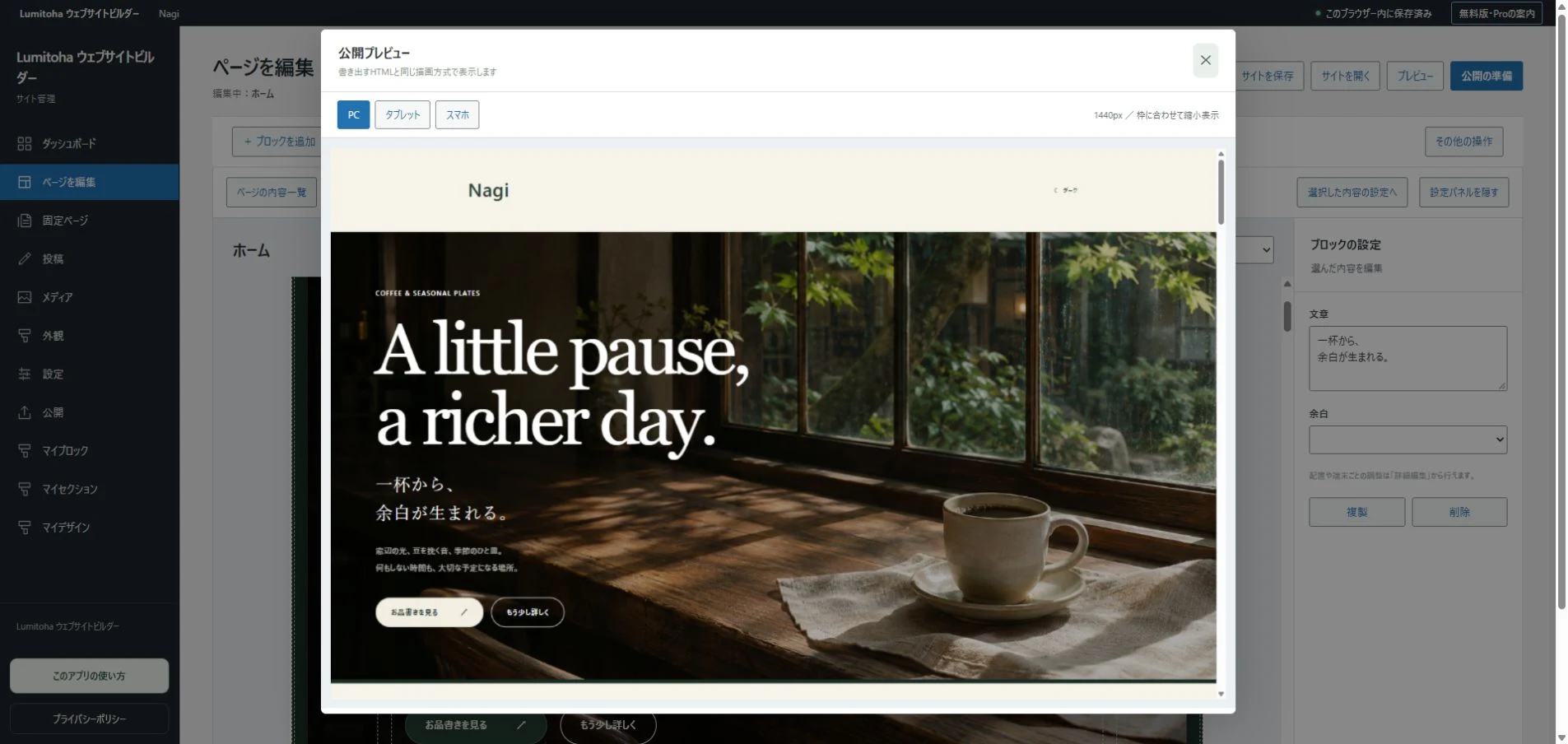
Lumitoha lets you begin with a finished design and replace its content with your own. This guide uses a small shop or café as an example and follows the preparation of its content through to a final visitor-focused check.
1. Explain the shop at the entrance
Alongside the name, add a short description of what you offer. “Seasonal baking and coffee” or “A small shop for everyday objects” gives newcomers useful context before they explore. The first picture might show the interior, a representative product or the outside of the building.
Use photos that help people understand the actual shop. Unrelated attractive images cannot replace that information, and old interiors or discontinued products may create the wrong expectation. A longer opening story can have its own place. The first part of Home should provide an overview and recognizable routes to products, hours and other useful details.
2. Give people enough information to choose
A product name and photograph may not explain its size, contents or purpose. Add a short description of what it is and the situation it suits. If you have many items, organize them by category or show representative examples rather than crowding everything onto Home.
Keep prices, serving times and limits consistent with the actual offer. Date seasonal information where appropriate. If you cannot maintain frequently changing details, consider centering the website on more stable information and provide a clear route to current updates. Describe only conditions the operator has checked, and put important qualifications near the item or service they affect.
3. Make opening information easy to find and maintain
Opening hours and regular closing days are basic planning information. Provide an obvious route from Home and decide where special opening days or temporary closures will be announced. If you repeat a schedule on several pages, consider whether you can reliably update all of them.
A usual opening day is not a guarantee that the shop opens on a particular holiday. Make exceptions clear and indicate when changing notices apply. Remember that editing hours in Lumitoha does not update the hosted site by itself. Save the editable data, export again and upload the changed files, then check the real URL. Decide in advance how to announce urgent changes.
4. Describe access for someone arriving for the first time
Include necessary address details such as a building name or floor. Brief directions, an entrance location or parking information can resolve uncertainties that seem obvious to the operator. Think about what a newcomer can actually recognize on arrival.
If you provide a map link or supported map embed, confirm that it points to the right place. Include the address as text as well, so that useful information remains if a map does not load. Check destination names and locations after a move. An exterior or entrance photograph can be practical evidence, with a different role from an image chosen mainly to show atmosphere.
5. Connect contact and booking routes to working services
Offer methods the shop can genuinely manage: a phone number, email or configured booking service, for example. Explain which route suits which kind of inquiry and whether response times differ. More channels are not necessarily better if it is unclear which one the visitor should use.
A booking button needs a real, configured destination. Drawing a form on a page does not complete the receiving system. Check both the external service and the link leading to it. The current Lumitoha app does not host or manage blog comments. Comments on this official site use its separate CMS. Prepare any contact or online service your own shop requires together with its hosting setup.
6. Follow the journey to a visit
On a phone, imagine finding the shop for the first time. Move from the overview to products, opening days, directions and contact details. Notice whether you repeatedly have to return to the menu or pass many photos before finding the address.
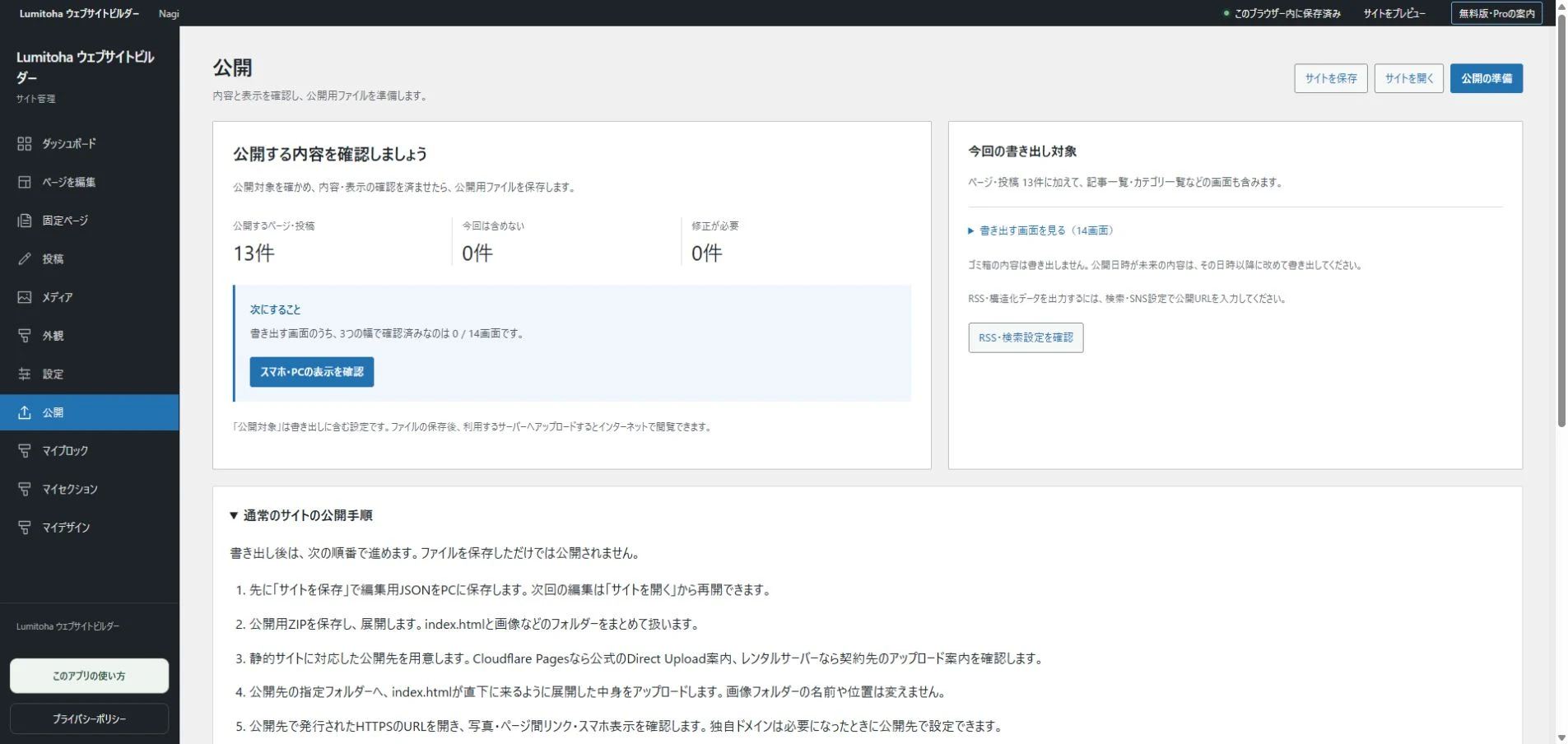
Remove fictional sample information and save editable JSON. Set the intended pages as publishing targets, export HTML/ZIP and upload to your separate hosting service. After publication, keep hours and product changes current. A useful shop website becomes a place people can return to for clear, dependable information before they visit.
A portfolio that tells the story behind your work
Choose representative projects and explain their purpose, images, your role and decisions, with a clear next step for interested visitors.
Read moreStart your own website with a finished design
A practical path from choosing a design to replacing text, photos and links, keeping editable backups and publishing your first small site.
Read moreGetting started with Lumitoha
From a finished design to saved work and public files.
Read moreShare this article
Share on Instagram
Copy the link and paste it into a Stories link sticker or a direct message.
Open Instagram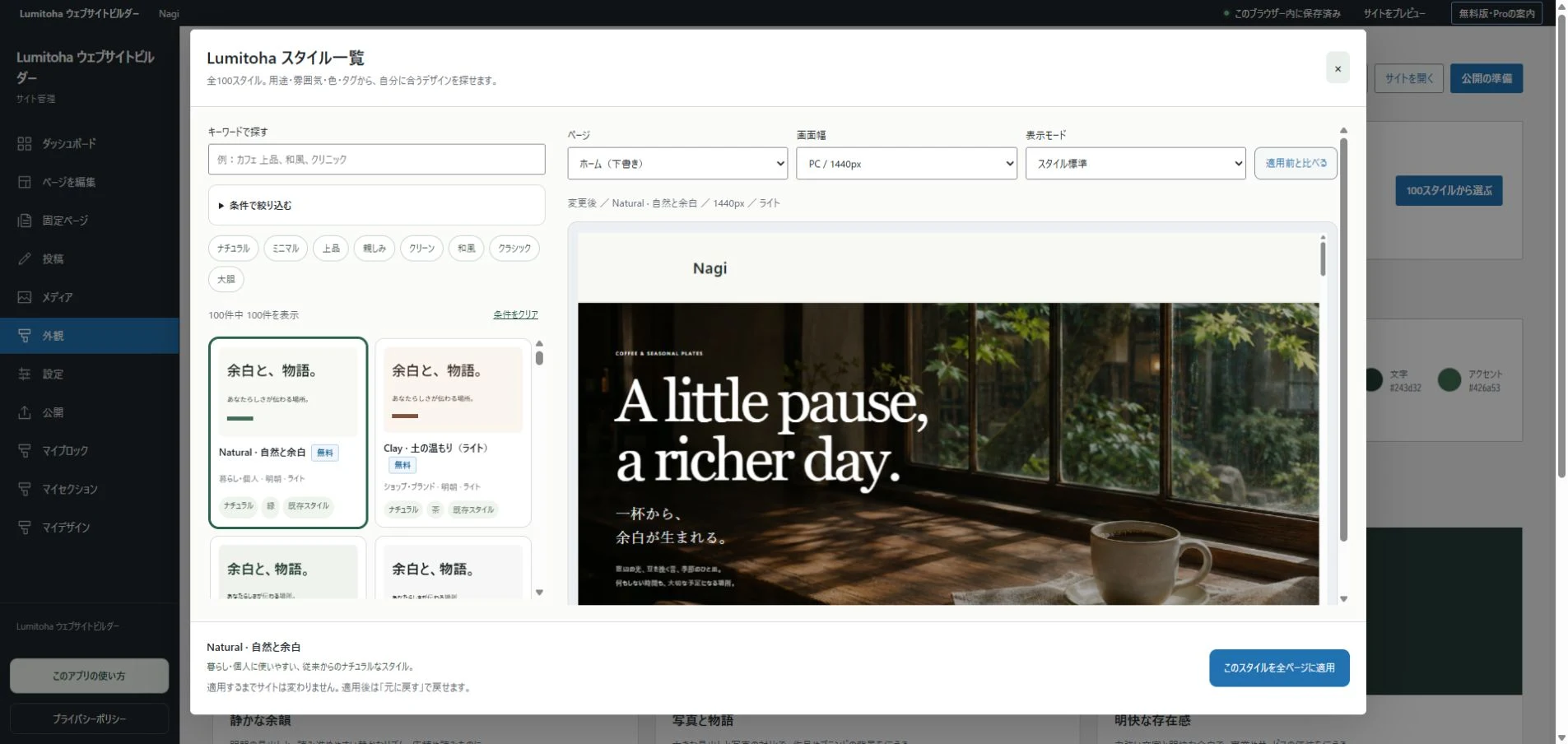
Comments
Your display name and comment appear after approval. Your email address is not public. Please read our privacy policy.
Comments (0)